US$

Shopping By Categories

Cart

Loadding...
Home>Key Programmer 1>GODIAG Brand>GODIAG GT115 For VAG MQB IMMO4 CAN-Bus UDS 4th Generation IMMO System Test Platform with POGO PIN to Read & Write  Data
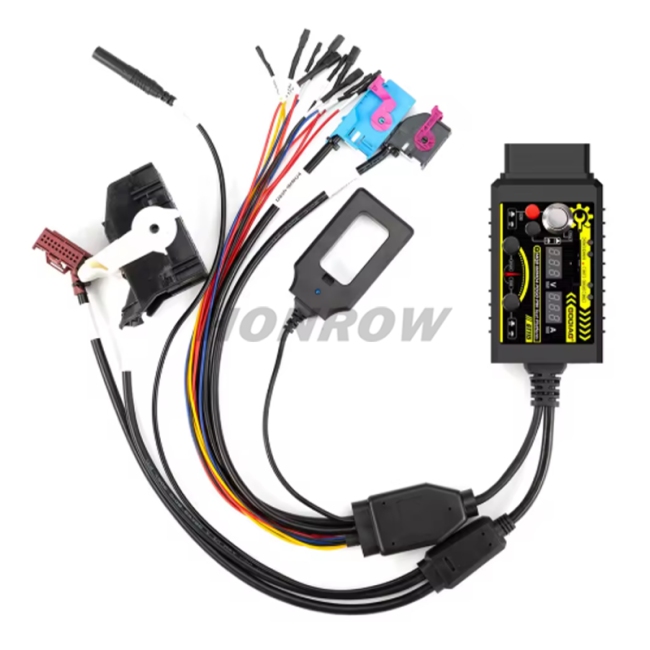
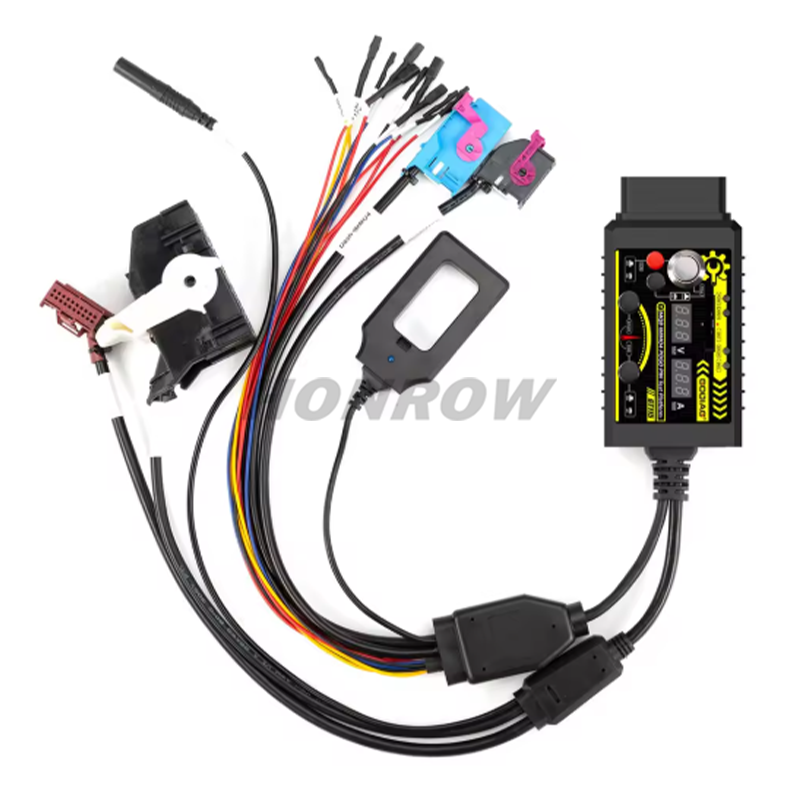
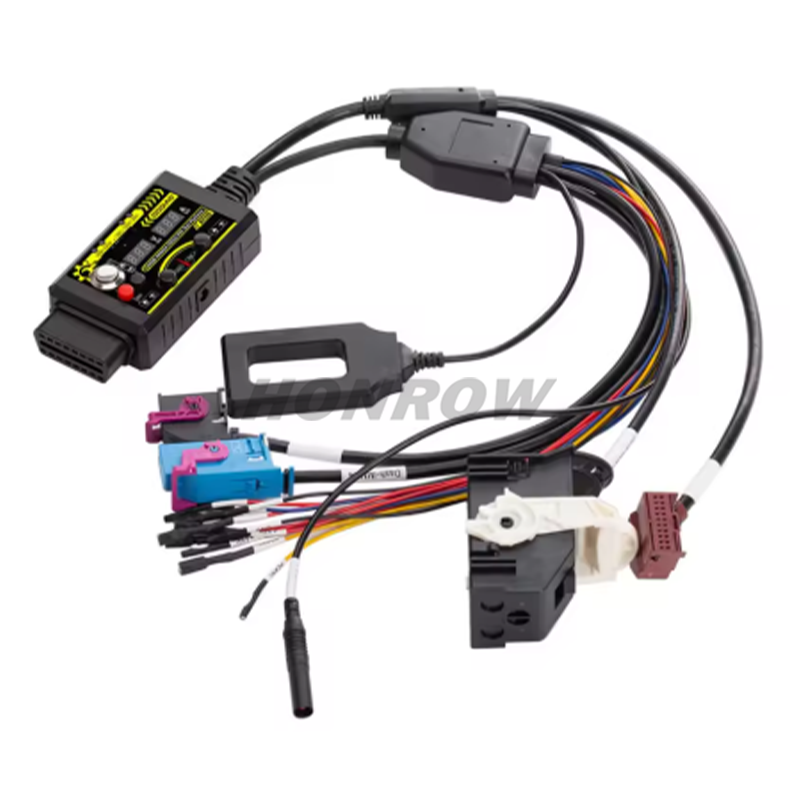
GODIAG GT115 For VAG MQB IMMO4 CAN-Bus UDS 4th Generation IMMO System Test Platform with POGO PIN to Read & Write  Data

GODIAG GT115 For VAG MQB IMMO4 CAN-Bus UDS 4th Generation IMMO System Test Platform with POGO PIN to Read & Write  DataItem NO.: GODIAG-30

US$ 77.00
Quantity
Adding to cart succeed
GODIAG GT115 For VAG MQB IMMO4 CAN-Bus UDS 4th Generation IMMO System Test Platform with POGO PIN to Read & Write  Data
color:red,size:xxl
Subtotal: US$ 0
View My Cart

Copy and share this link on social network or send it to your friends

Copy
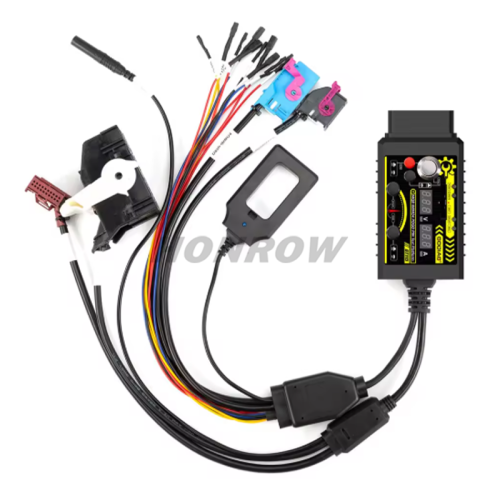
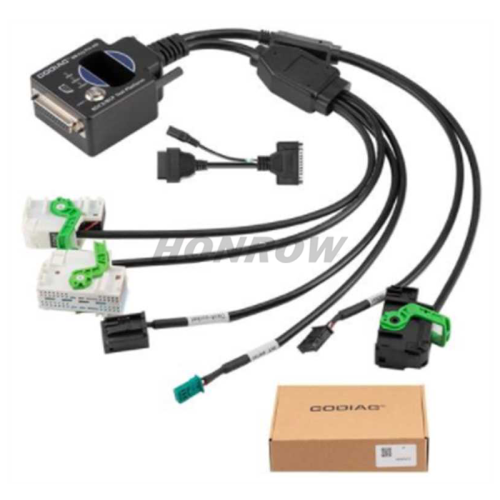
  • GODIAG GT115 For VAG MQB IMMO4 CAN-Bus UDS 4th Generation IMMO System Test Platform with POGO PIN to Read & Write  Data
    • Product Name: GODIAG GT115 For VAG MQB IMMO4 CAN-Bus UDS 4th Generation IMMO System Test Platform with POGO PIN to Read & Write  Data
    • Item NO.: GODIAG-30
    • Weight: 0.5 kg = 1.1023 lb = 17.6370 oz
    • Category: Key Programmer 1 > GODIAG Brand
    • Brand: GODIAG
    • Creation Time: 2026-04-02

    GODIAG GT115 For VAG MQB IMMO4 CAN-Bus UDS 4th Generation IMMO System Test Platform with POGO PIN to Read & Write  Data


    Product Functions:
     1. Synchronous detection of key and vehicle IMMO module
    2. Independent diagnosis of engine and power expansion module.
    3. Communication diagnosis and programming test of engine module and power module through gateway module
    4. IMMO 4th generation POGO PIN read and write data and key synchronization detection
    5. Connect BCM module with gateway module for communication diagnosis and programming test(Note: Press the corresponding switch when required.)
    6. Gateway module detection
    7. Current connected power supply voltage display
    8. Current connected module current display
    9. 2032 battery voltage detection.
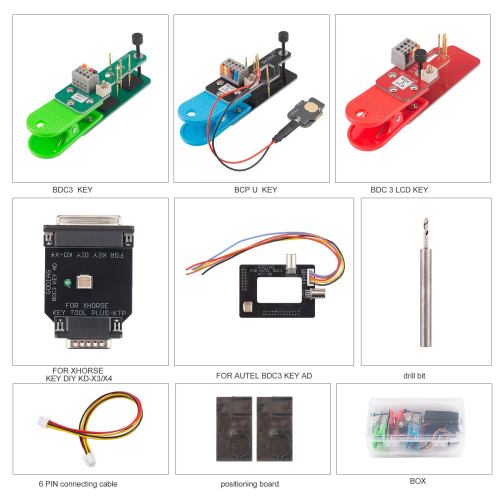
    10. With POGO PIN to read and write data to the dashboard.

    How to Use POGO PIN?
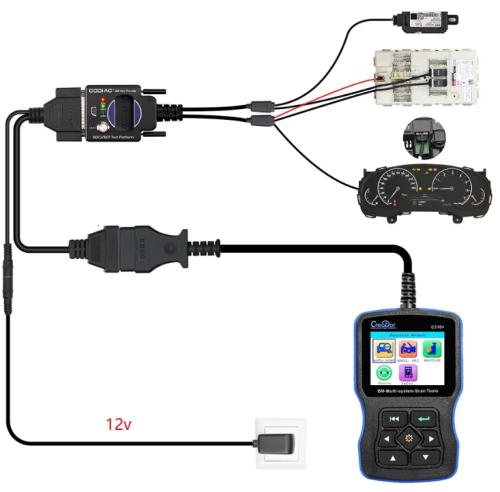
     1. Connect the power supply [Note: the power switch must be off].
    2. Press the IGN ignition power [the IGN ignition switch must be turned on].
    3. Connect the instrument plug.
    4. Find the POGO PIN connection point of the corresponding instrument and connect it with a probe.
    5. Turn on the power switch for 3-5 seconds. If the ABS light flashes, you've successfully entered POGO PIN read/write mode.

You May Also Like