Product Features:
Seamless Integration
Effortlessly connect to BDC2 modules using dedicated OEM fast connectors—no risk of bent pins or unstable communication.
Advanced Diagnostics & Synchronization
Test communication, detect malfunctions, and verify synchronization between keys and BDC2 modules before reinstalling them in the vehicle.
Perform immobilizer data backup, and module replacement with confidence.
Help replace BDC2 ECUs efficiently.
Diagnose ignition failures by pinpointing mismatches between keys and modules.
Business Growth for Professionals
Expand your service offerings by enabling remote diagnoses. Customers can ship FEM/BDC modules directly to your workshop for key synchronization and testing.
Robust Build & User-Friendly Design
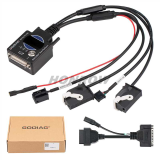
Features a DB25 connector, simulated ignition switch, immobilizer dashboard indicator, and key sensing area for realistic testing environments.
Compact, portable, and ready for workshop or on-site use.
Why Choose GODIAG BDC2/BCP Programming Test Platform?
Reliable: OEM-grade connectors ensure stable communication.
Time-Saving: Eliminate guesswork with pre-installation testing.
Versatile: Compatible with top diagnostic tools for seamless workflows.
Steps to Detect Whether the Key and the Module are Synchronized.
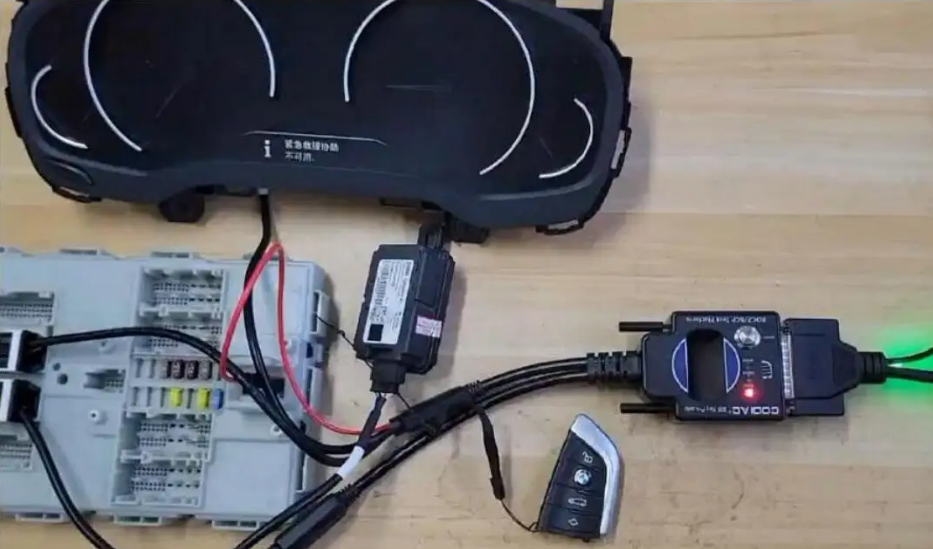
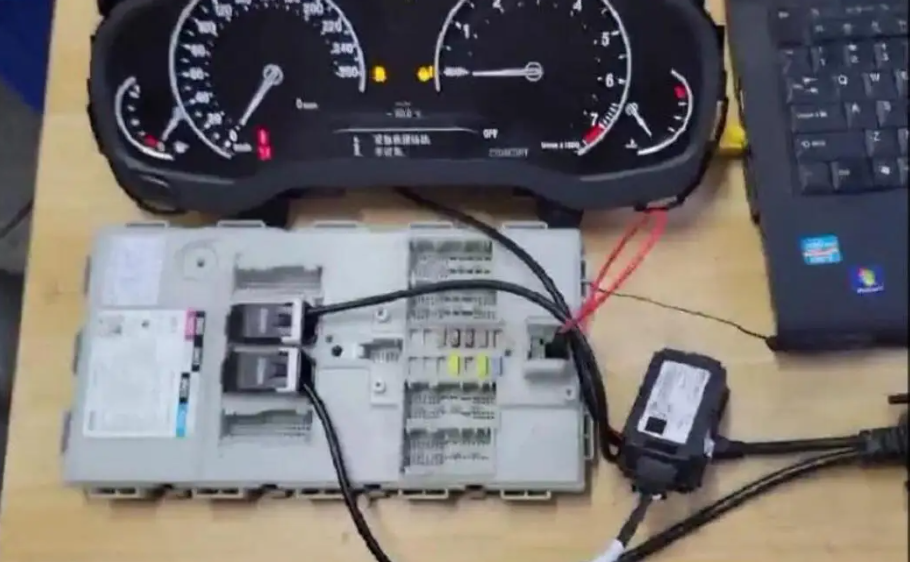
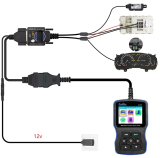
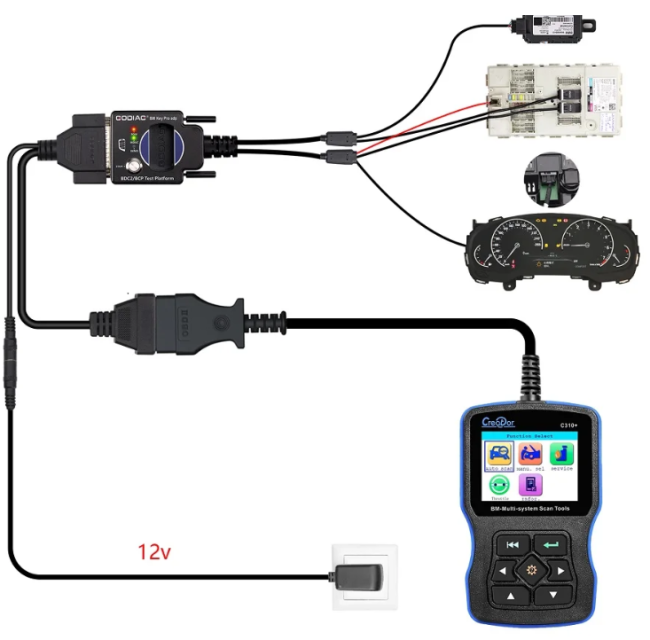
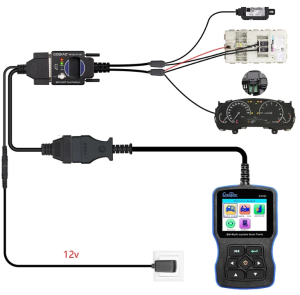
Step 1: Connect GODIAG BDC2/BCP Test Platform to the power, instrument panel and BDC2 module as shown in the figure. The “POW”light will come on and then go off.
Step 2:
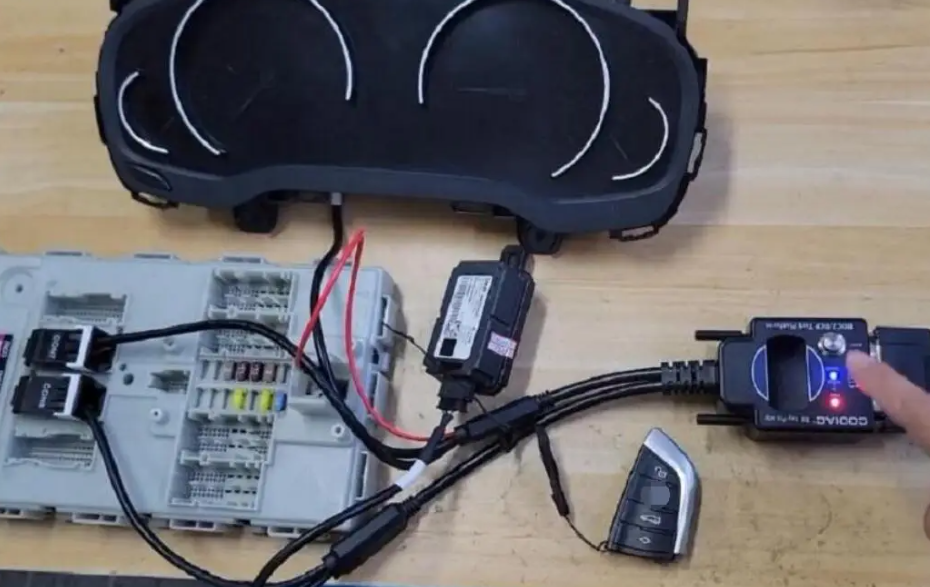
Press the"START" button and the the POW light will be on, the IMMO light will turn on for one second and then turns
Step 3:
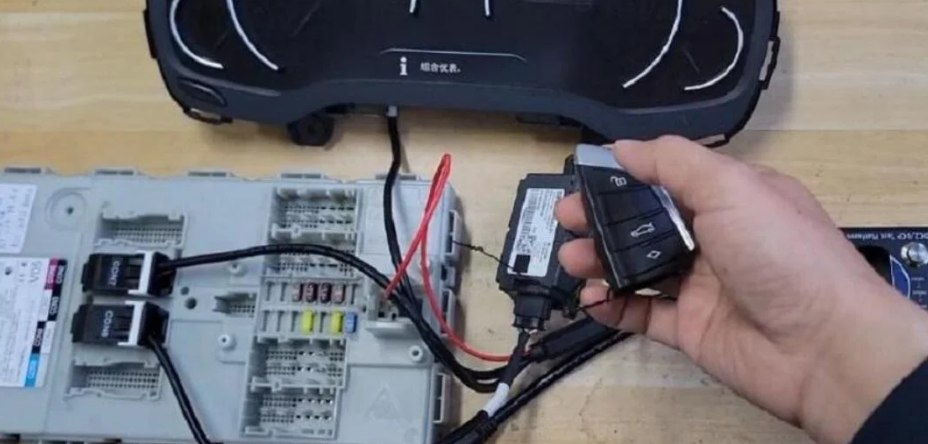
Turn on the key remote control switch.
Step 4:
Press the"START" button to recognize the key. Place the key in the sensing area and quickly press the "START" button three times, you will find that the instrument light is on.
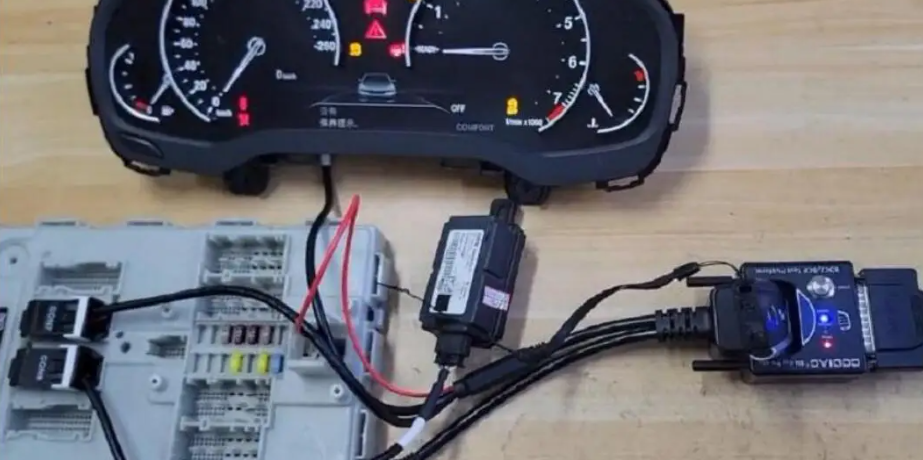
It means that the key and the module are synchronized. Step 5: Quickly press the "START" button twice, or long press the "START" button to turn it off.
Steps to Use with GT109 and Diagnostic Software to Diagnose for BMW BDC2 Module
Steps to Use with GT109 and Diagnostic Software to Diagnose for BMW BDC2 Module
Step 1:
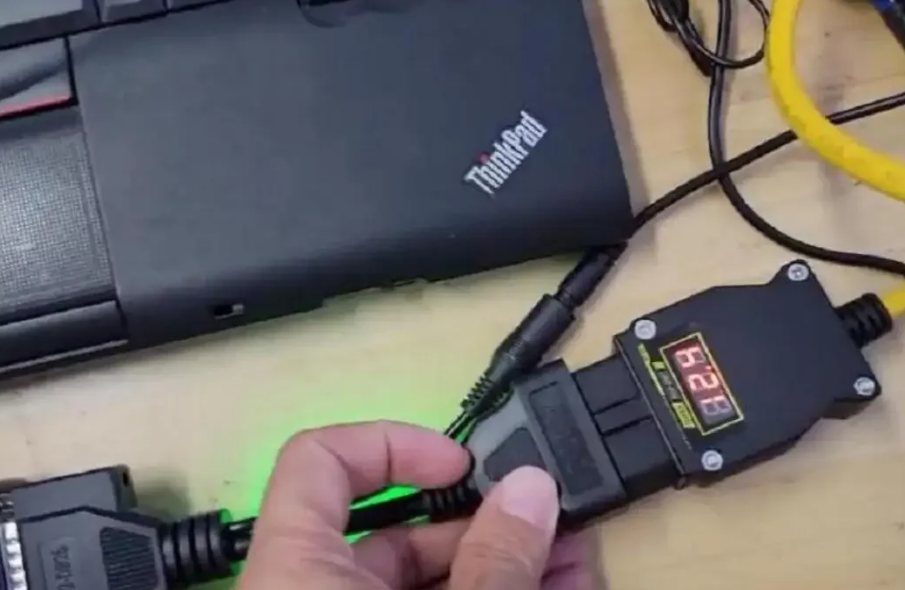
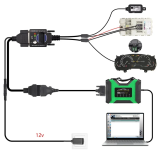
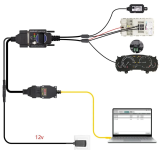
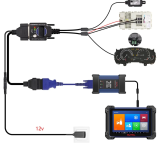
Connect GODIAG BDC2/BCP Test Platform to the GT109, instrument panel and BDC2 module and laptop as shown in the figure.
Step 2:
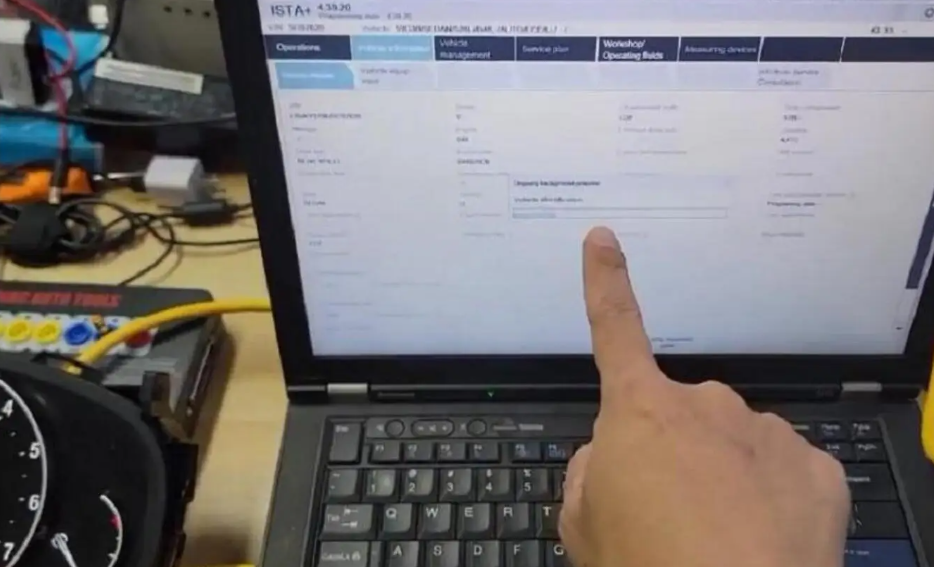
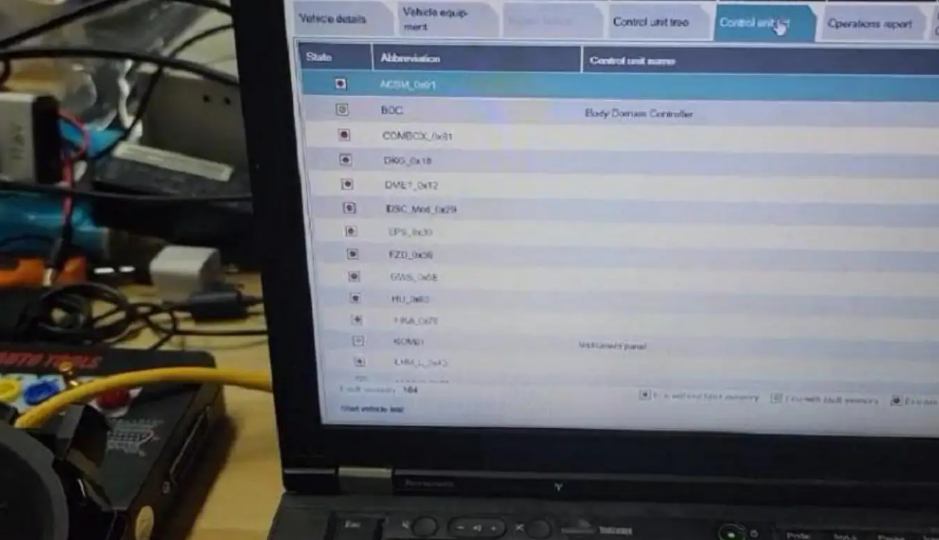
Open the diagnostic software on the laptop and it recognize the module and recognizes the vehicle model t00
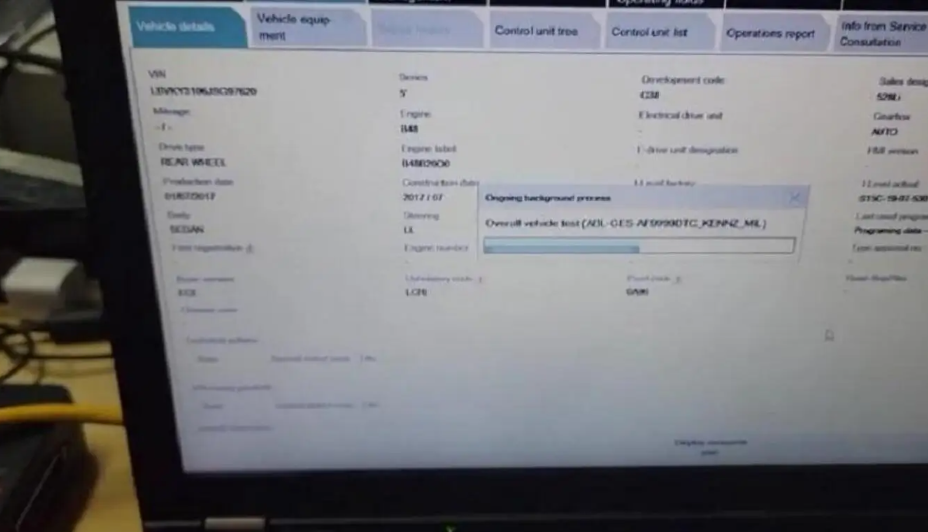
Step 3: Start diagnosis.
Step 4: End diagnosis.






 Shop
Shop
Customer Reviews